


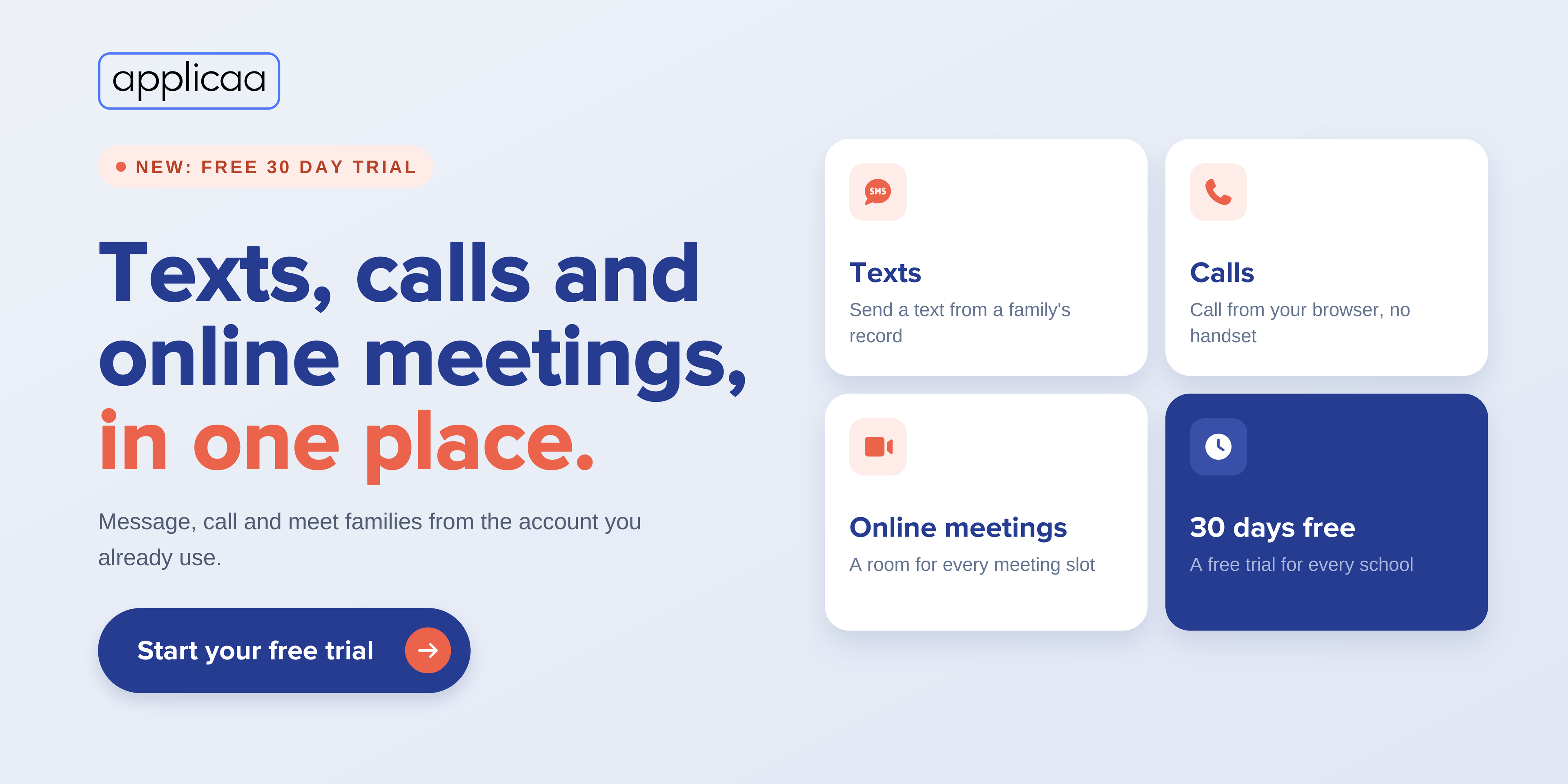
How many tabs does it take to reach one family? A texting account in one place, a phone in another, a video link somewhere else. Applicaa now brings texts, calls and online meetings into the account you already use, so the conversation, and the record of it, stays in one place.
Texts, with nothing extra to set up
Send a text to a family from their record in Applicaa. Texts go out from Applicaa's own account, so there is no separate texting service to sign up for or top up.
Packs are counted in segments, and one segment holds up to 160 characters. A short reminder uses one segment and a longer message with a date, a time and a link uses two. Applicaa shows you how many segments a message will use before you send it, and unused texts carry over to the next year.
Calls from your browser
Call parents and students straight from their record, without picking up a handset. The call shows your school's own number once it has been verified, and answered calls are recorded and transcribed, so what was said is on file. Calls are counted in minutes, not in number of calls.
Online meetings for every slot
When you set up meeting slots for interviews or conversations, you can make them online meetings, with a room for each slot. You choose whether each session is recorded, and who can watch the recording: the teachers on that slot and your admins, or admins only. Meetings are counted in minutes too.
Try all three free for 30 days
Every school gets a free 30 day trial of each feature, once. The trial includes 35 text segments, 60 call minutes and 60 meeting minutes, enough to see how each one works with real families before you choose anything.
- Log in to Applicaa. Use the account you already have.
- Open the Integration page. This is where texts, calls and online meetings are managed.
- Start your trial. Try one feature or all three.
After the trial
When your trial ends, an Admin adds a yearly pack from the Integration page and it is live straight away. Packs are sized to the number of applications you receive. Nothing is charged automatically, you can always see how much you have left, and you are warned when you are running low.
Quick answers
Who can add a pack? An Admin, from the Integration page.
What happens if we run out? Texts and calls pause for all staff until an Admin adds a top-up. A call in progress when the minutes run out finishes normally, and online meetings that are already booked still go ahead.
Is the trial really free? Yes. It runs for 30 days, once per school, and costs nothing.
Comments